laptop trading computers

How to Choose a Day Trading Laptop

Day trading is a high-pressure, fast-paced environment. When you’re active in the market, you need a laptop that can keep pace with the demands of your trading day. It must be lightweight enough for all-day portability and powerful enough to handle rapid multitasking. This guide will help you choose the best trading laptop to meet all your needs.

Choose the Best Operating System

There are three primary laptop operating systems: Windows, macOS, and Linux. The majority of traders use Windows because most standalone trading platforms and broker software are designed for Windows PCs. While macOS and Linux can be used for trading, some traders use virtualization or Windows emulators to access Windows-only platforms, but this approach adds complexity and often introduces latency, reliability, and performance issues. At best, the emulator or hypervisor layer will consume system resources and slow performance. For the simplest and most reliable experience, it is best to stick with Windows.

Don't Skimp on Memory

When selecting a laptop, ensure it has sufficient memory. Random Access Memory (RAM) is where your computer temporarily stores data for quick access while running applications. The more memory you have, the faster your computer can process tasks—such as keeping your trading platform, spreadsheets, and browser windows open simultaneously. As such, RAM is critical for maintaining performance when drawing charts and executing strategies within your trading programs.

Our recommendation is to start with 16 GB of RAM for most trading workloads. However, if you plan to run demanding applications, frequently switch between workflows, or operate with large files and numerous programs at once, upgrade to 32 GB of RAM or more.

Consider the Central Processing Unit (CPU)

The Central Processing Unit (CPU) executes instructions and processes data, making it essential for handling your trading workload. A faster processor clock speed allows the CPU to process large amounts of data quickly, which is critical for efficient trading. A higher core count enables multiple applications (processes) to run concurrently.

When selecting a trading laptop, the CPU is a key component. Intel and AMD are the two leading manufacturers of processors for high-performance computation, and we offer models powered by both. At a minimum, select a laptop with a quad-core processor running at 2.8 GHz. For superior performance and a competitive edge, consider one of our top-tier trading laptops.
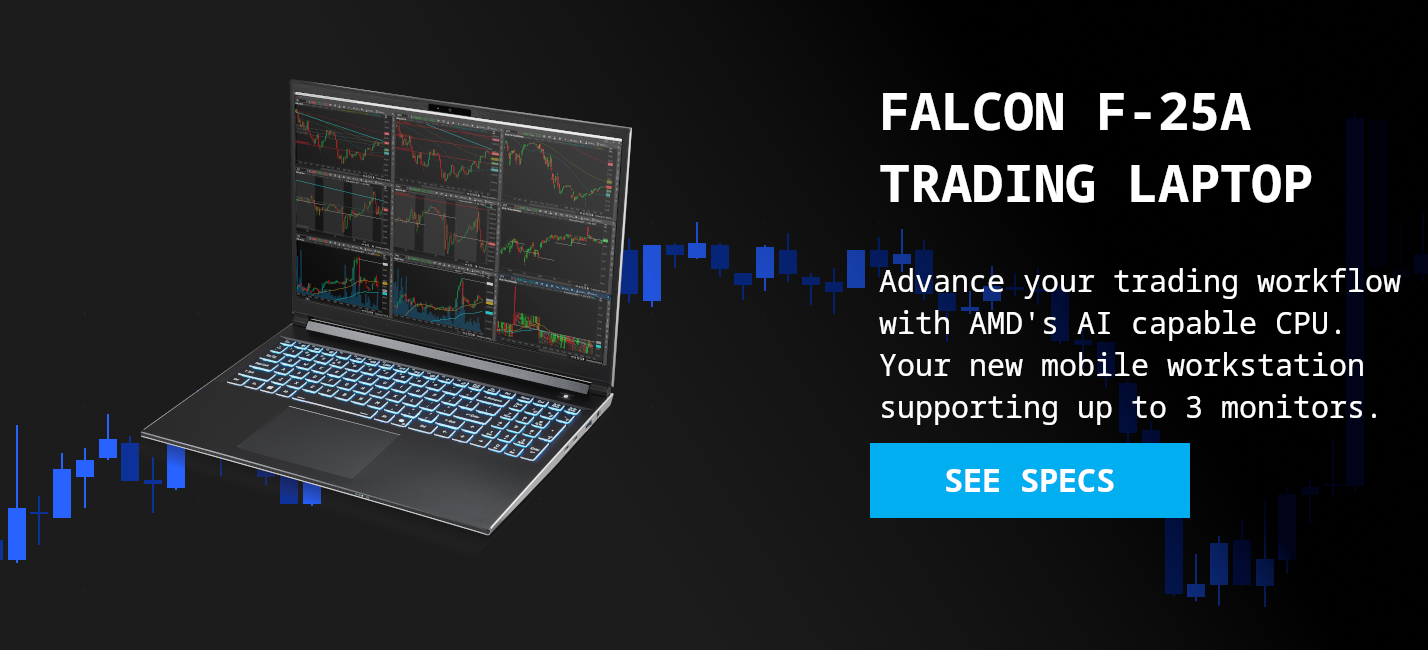
Falcon F-25A Trading Laptop - AMD Ryzen AI 9 HX 370 - High Performance Trading Workstation

The Falcon F-25A: The ultimate mobile workstation for serious traders. Experience unmatched power and portability.

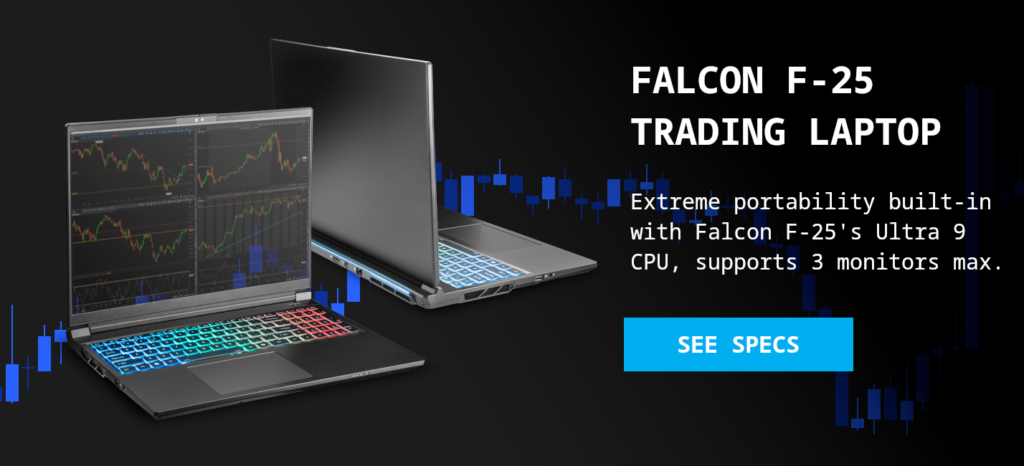
The Falcon F-25 features an Intel Core Ultra 9 CPU, offering a 24-core configuration and a Turbo Frequency up to 5.4 GHz, delivering exceptional multitasking capabilities and rapid data processing. On the AMD side, the Falcon F-25A utilizes the AI task leading Ryzen AI 9 HX 370 processor, boasting 30% better battery life, and impressive performance with its 12 cores (24 threads) and a Boost Clock up to 5.1GHz. Both provide powerful solutions for demanding trading applications and data analysis. Looking to identify which CPU works best for you?
Select the Right Kind of Storage Drive

When configuring a trading laptop, select a model with a solid-state drive (SSD). Traditional hard disk drives (HDDs) operate at around 150 MB/s, whereas even the slowest SSDs start at 600 MB/s—four times the speed. Falcon Trading Computers uses SSDs with even lower latency and faster speeds (up to 7,000 MB/s), which translates to less wait time in your operating system and trading software caches.

Aside from speed, capacity is a key consideration. If you plan to use the laptop exclusively for trading, you will not need to store large amounts of data. For most day traders, an SSD with 500 GB or higher is sufficient. If the laptop will also serve other business or personal purposes, you should opt for a higher capacity to ensure adequate space and avoid the potentially cumbersome process of upgrading later.

Portability Priority

Portability is a critical consideration when choosing a day trading laptop. In most cases, you select a laptop over a desktop because you need the flexibility to work anywhere, especially when away from the office. A trader must be able to move freely between locations.

You must balance portability with performance. For a detailed analysis of this tradeoff, see our Laptop vs. Desktop(in progress) article. Do not choose a heavy or bulky system if it will hinder your mobility, unless you explicitly prioritize performance over portability. The best laptops for traders are lightweight enough to fit in a briefcase or backpack without weighing you down, yet substantial enough to handle your required tasks—it is a balance.

A Quick Note on Battery Life

The best trading laptops feature high-end mobile processors. These CPUs require significant power to deliver their outsized performance, which means even the most energy-efficient performance laptop will drain its battery faster than a typical consumer notebook.

A critical factor to consider is that laptops automatically reduce power to the processor when running on battery, causing a significant drop in performance. To maintain the high-speed performance required for trading, you must keep your trading laptop plugged in during use. Most laptops include a power supply (AC adapter), but for greater convenience while traveling, a second adapter can be purchased for most models.

Pick a High-Quality Display

When choosing a trading laptop, the display is one of the most important considerations. Since you will primarily be looking at charts and platforms, a high-quality display is essential. While screen size should align with your portability needs, larger screens provide more real estate for data analysis.

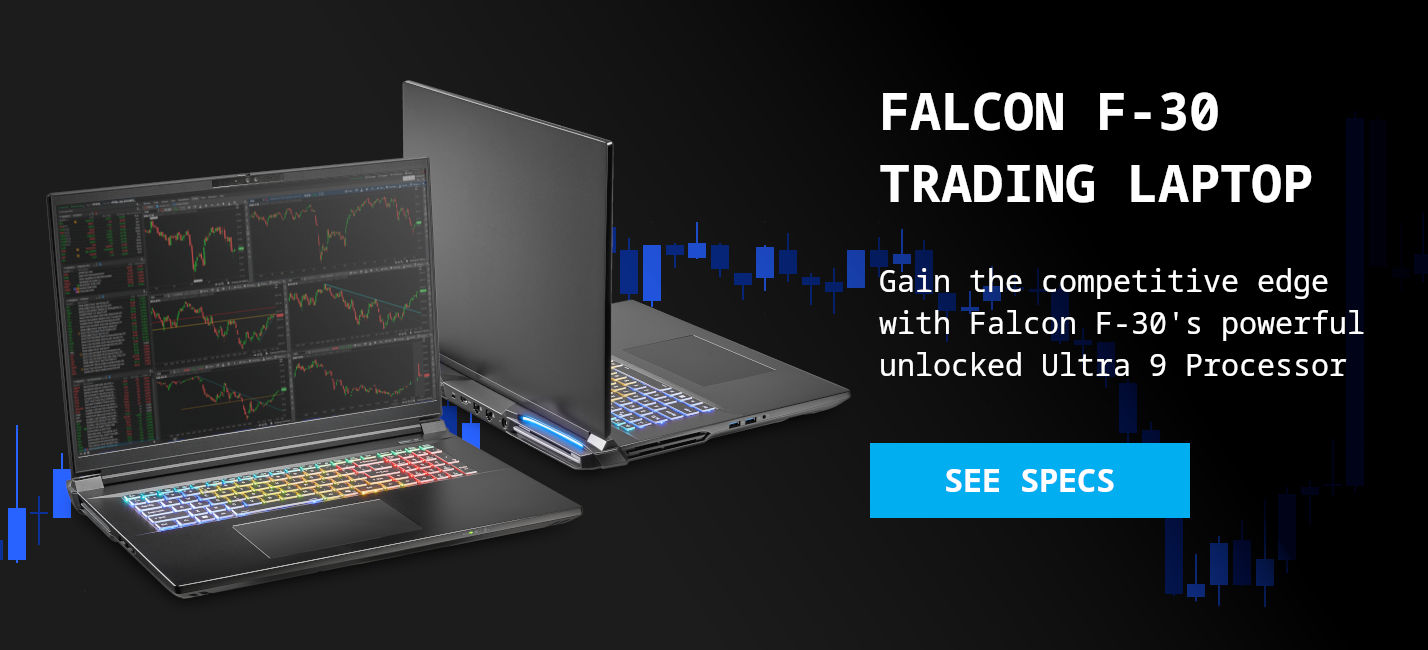
Falcon offers two screen sizes: 16 inches on the Falcon F-10 and Falcon F-25 laptops, and 18 inches on the Falcon F-30 Trading Laptop. The Falcon F-25 and F-30 are high-density QHD+ panels with high refresh rates. This combination provides traders with faster, smoother visuals and significantly more screen real estate compared to traditional Full HD (1080p) displays.

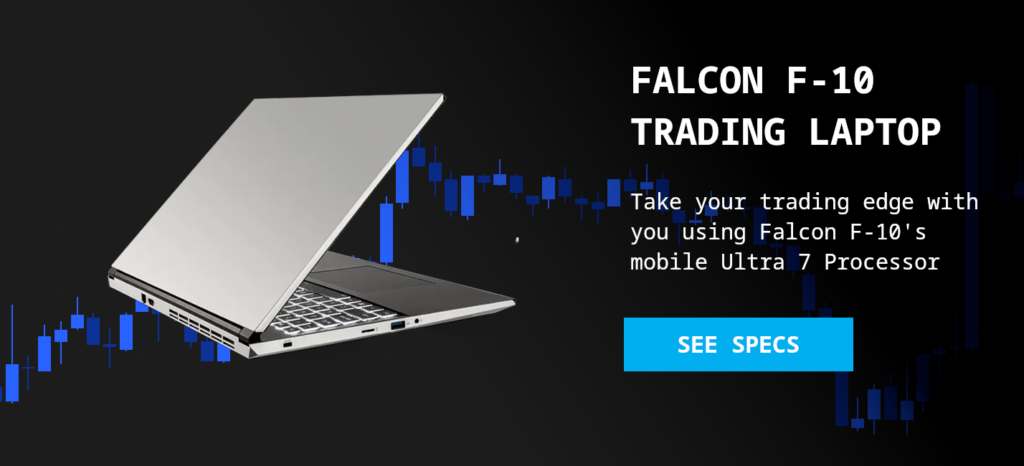
Falcon F-10 Intel Ultra 7 Trading Laptop
Take your trading edge with you, using Falcon F-10's mobile Ultra 7 Processor

How Many Monitors do you Need?

While there are no strict rules, using multiple monitors is widely known to boost a trader’s efficiency. If you are buying a new laptop for swing or day trading, look for a system with at least two ports for external screens. Having a second port is useful because it allows you to expand your setup in the future without needing an entirely new system or resorting to makeshift adapters and docks that can compromise both performance and reliability.

Ultimately, the number of monitors you choose is a matter of personal preference, but you must understand the limitations of your hardware. Laptops cannot be expanded as easily as desktops; the ports and capabilities you start with are what you will have available.

A Quick Note on Docking Stations

Docking stations allow more monitors to be connected to a laptop, but this often comes at a performance cost. Trading applications rely on dedicated video memory (VRAM) from a graphics card to display information smoothly. Cost effective docking stations and USB adapters, however, are controlled by the laptop’s CPU. To power these additional monitors, Windows must allocate system RAM to act as shared graphics memory. This process causes the responsiveness of your trading programs to drop, often quite dramatically.

If you need to support more than three external monitors (four including the laptop display), we recommend using a Falcon Trading Desktop instead to ensure uncompromised performance.

Stay on Budget

As with any significant purchase, it is vital to determine your budget. Research the average price for trading laptops to establish a realistic spending range. Laptops with enhanced performance features typically cost more upfront, but the investment is justified by their superior speed and reliability. High-end systems include in-house technical support, ensuring your computer remains in excellent working condition for longer.

Whether you are buying your first trading laptop or upgrading your current one, several key factors must be considered. Every trader has unique requirements, and meeting those specific needs is what separates a good trading laptop from a great one. Ultimately, choosing the best laptop for trading comes down to balancing budget and functionality. If you can spend more, you will likely find a system with better performance, faster processing, and superior display support.

Visit our laptop page to explore our current trading laptop offerings and find the best one for your needs. If you have any questions, do not hesitate to reach out to our world-renowned support and sales representatives.