| AI Memory |
120GB Allocated to AI |
|---|---|
| AI Model Size |
120B (5.1B active) Max Model Size |
| Graphics Cards |
Radeon™ 8060S |
| CPU/Processor |
AMD Ryzen™ AI Max 300 Series |
| Memory |
128GB LPDDR5x |
| Operating System SSD |
2TB NVMe Gen 4 SSD |
| Operating System |
Fedora 44 |
| USB Ports |
3 USB C Ports, 5 USB A Ports |
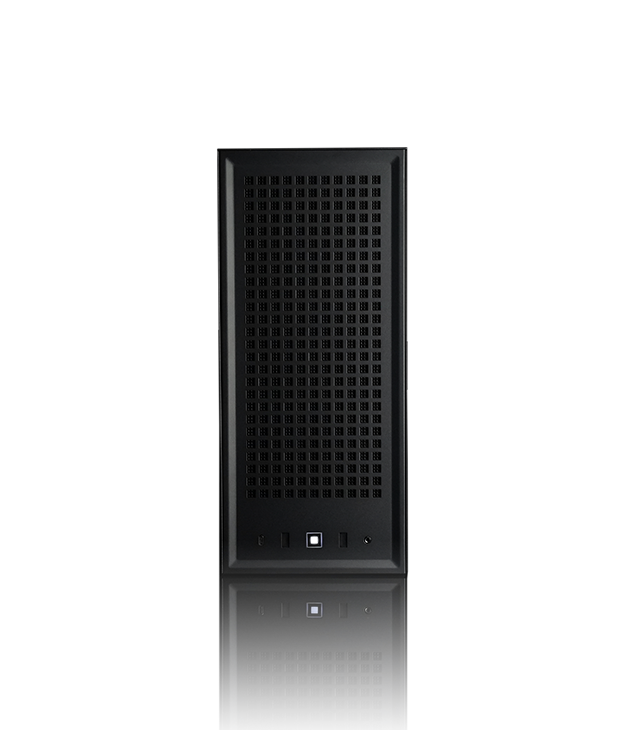
A machine that does one job.
Separate from your trading computer, sitting on your own network.
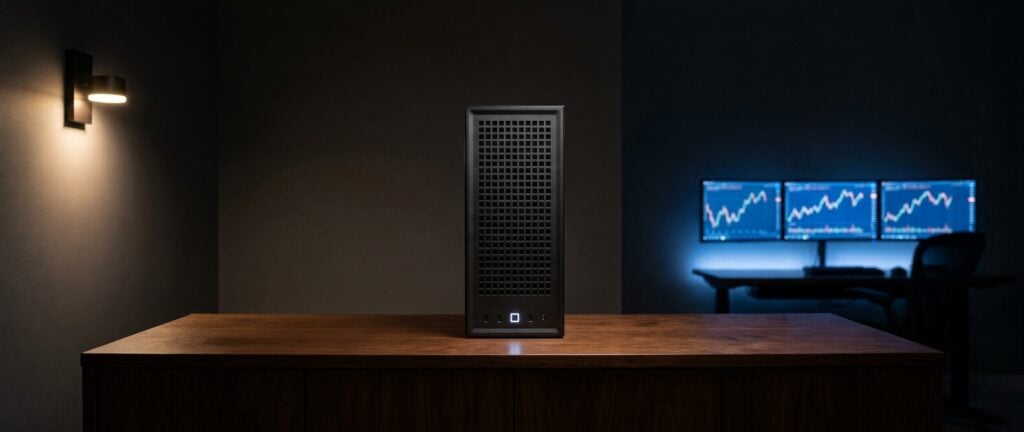
The model gets all the memory.
The Falcon AI Enclave is built on a 16-core AMD processor with an integrated GPU and 128GB of unified memory. Unified means the processor and the GPU draw on one shared pool instead of each having its own, so the AI model can use most of the 128GB. In a desktop it works the other way around, and the model is limited to whatever memory is soldered onto the GPU.
It does one job.
There's no browser on it, no email client, and no trading platform. It runs Linux, it holds the AI model, and it answers questions, and that is everything it's set up to do. A machine built for one job is easier to keep private than the machine you also browse and email on.
Keep trading and AI separate.
The Enclave isn't the machine you trade on, so the work you give it doesn't compete with anything else you have open. Ask it for something that takes twenty minutes, go back to your charts, and your trading computer carries on exactly as it was.
Point your own tools at it.
If you already have scripts or software that call out to an AI service, you can point them at the Enclave instead. The work stays on your own network, and there's no per-question charge waiting at the end of the month.
Adding it in.
The add-on, not the replacement.
It plugs into the network you already have.
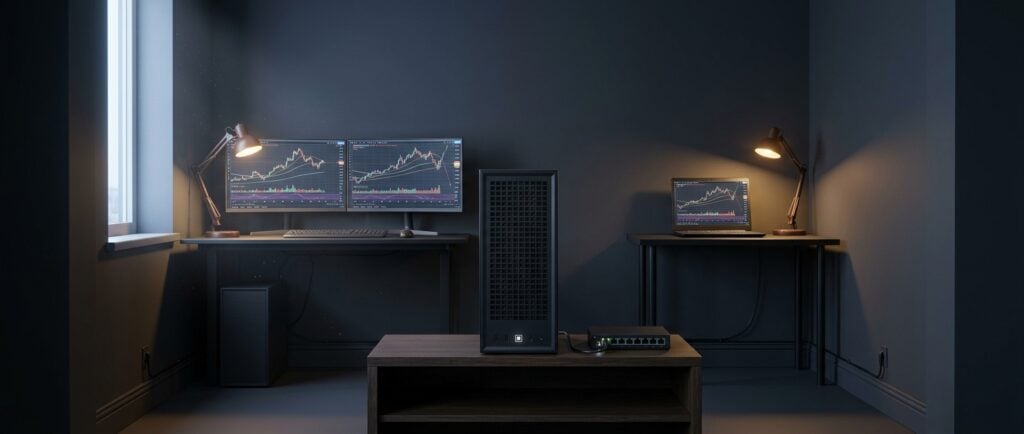
Add private AI to any setup you own.
The Enclave plugs into the network you already have, and the computers on that network point at it when they need the AI. You keep the setup you already paid for, and you add to it.
Local and private, across the whole office.
On a Desk or a Book, local means that one machine, because the model is sitting on its drive. Add an Enclave and local means your whole office. When you ask it something, the question travels from your computer to the box and the answer comes back, and all of that happens across the network in your own building.
Buy the AI once.
Putting a big GPU in every computer gets expensive quickly, and you end up paying for the same thing several times over. One Enclave serves every desk that points at it, so you buy the AI a single time, and the machines you add later use the same box.
Powered by Falcon Terminal.
It's how you reach the Enclave, and we wrote it ourselves
It's how you reach the Enclave, and we wrote it ourselves
No setup, and we mean the part that's actually hard. The Enclave arrives with the model loaded and the service running. Getting a local model to serve properly is where people building their own box give up, because it means drivers, memory settings, a backend, and a service that survives a reboot. All of that is done before the box leaves Laramie. Your side is installing Falcon Terminal on the computer you already use, and that takes a few minutes.
It already knows the work. Falcon Terminal isn't a blank chat window waiting for you to figure out what to type. The trading work is built into it:
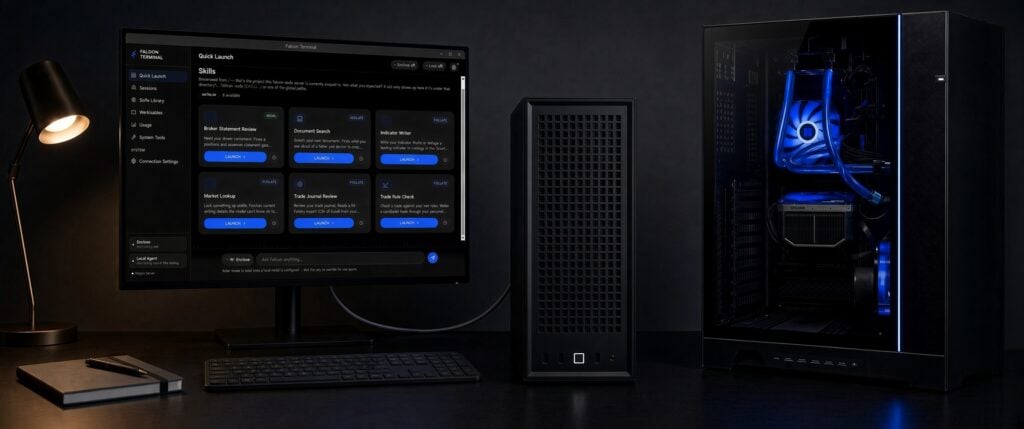
- Review your trading journal — and find what you can't see from the inside
- Read a broker statement — back in plain terms
- Write and debug Pine Script, NinjaScript and thinkScript — on the machine, so an unpublished idea stays yours.
- Check a trade against your own rules — before you take it
- Search your own rulebooks, manuals and notes — and cite what it found
More is on the way. See everything Falcon Terminal does
It's also a general-purpose assistant.
Underneath the trading tools is an assistant for everything else in your day. Draft the email, summarize the filing, read the contract before you sign it. There's no extra cost for any of it, and most owners end up using it as much as the trading features.
You own it, you don't rent it.
There's no monthly bill behind Falcon Terminal. You can turn the update checks off and stay on the version you have, or go back to an older one if a new release doesn't suit you. That's the difference between software you own and software you subscribe to.
Support
Call their support team. Then call ours.
This is the reason you buy from Falcon.
Before you spend six thousand dollars on a box that runs AI on your own hardware, call whoever you're thinking of buying it from and ask one question: what happens when the model won't load?
These boxes arrive as hardware. The drivers, the memory settings, the backend, the service that has to come back after a reboot — that's yours to build, and the right answers change every few months. When it hangs, you're filing out a ticket and waiting. The hardware vendor says it's software. The software project says it's hardware.
Then call us at 1-800-557-7142 and ask the same thing.
It's the easiest comparison you'll make all week. Almost nobody makes it.
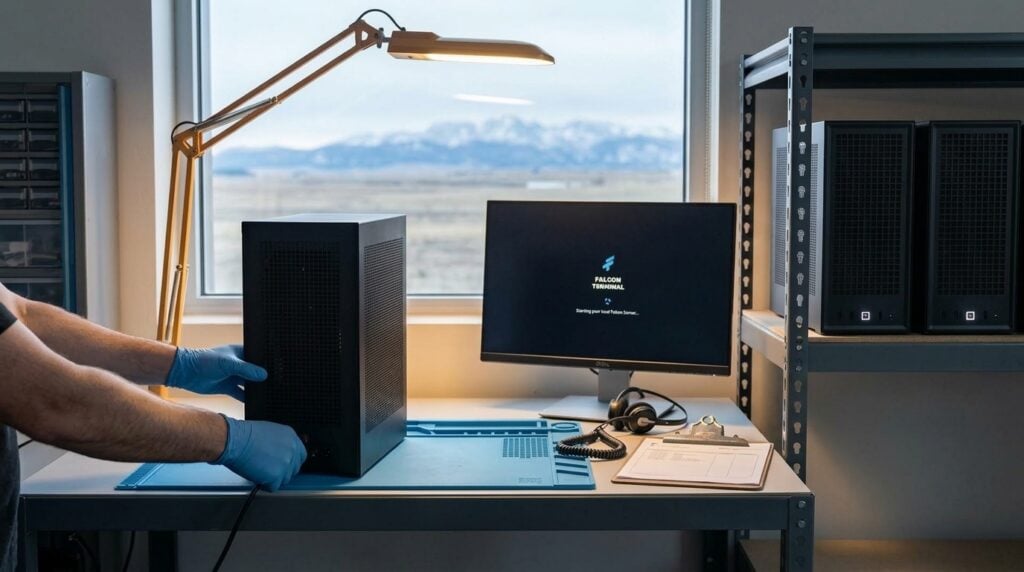
We're your IT team, not a warranty desk.
Most of the calls we take have nothing to do with a part that failed. A platform that won't launch, a chart that won't load, a data feed that dropped, a Windows update that broke something at 8:45 in the morning. We fix those too, and when we can't fix them, we stay on it with you instead of pointing you somewhere else. We've worked that way since 2004.
You never have to touch Linux.
The Enclave runs Linux because that's what serves a model best, not because we expect you to administer one. If it ever needs attention, that's a call to us rather than an afternoon of yours.
We know trading software.
Sometimes better than the people who write it. You won't spend ten minutes explaining what a Level 2 window is before you can describe the problem.
The support outlasts the warranty.
The warranty is one year parts and labor. The support itself doesn't expire. For as long as the machine is yours, a US technician picks up the phone.
And you can come see us.
We're in Laramie, Wyoming. Not a call center, not a warehouse with a phone number attached.
You can always buy it twice. Or you can just buy Falcon.
Every AI Enclave carries a 30-day money-back guarantee, one year parts and labor, and lifetime US technical support.