


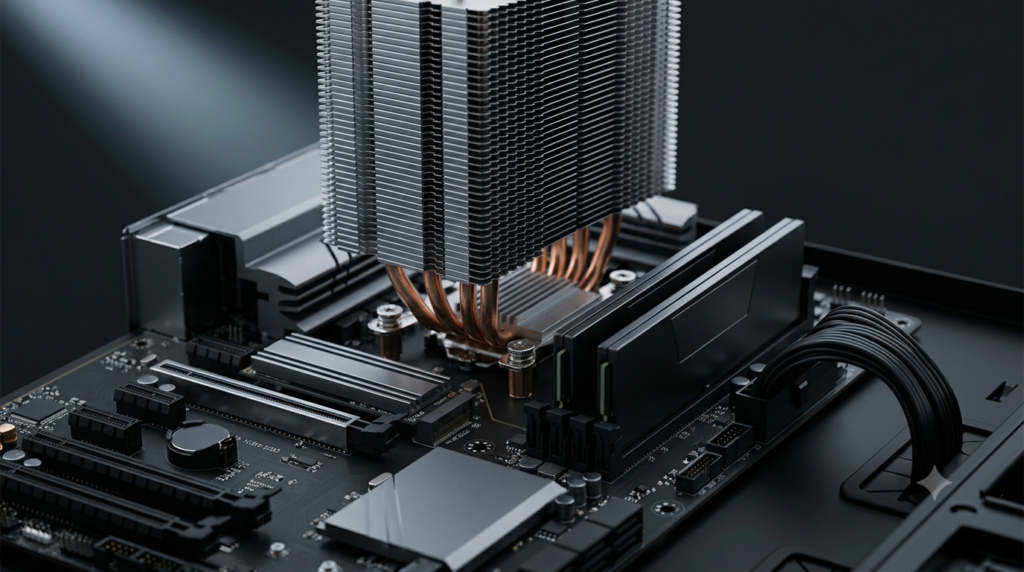
Component-Level Analysis for Active Traders
Trading Computer Buyer's Guides
A CPU with sixteen cores cannot compensate for inadequate single-threaded performance when your platform runs on two. A GPU with 12GB of VRAM provides no benefit if your rendering load is CPU-bound. The most expensive configuration is not always the best configuration—and the cheapest often costs more in missed opportunities than the upfront savings justify.
These guides map trading requirements to hardware specifications at the component level. Each guide isolates one variable—CPU, GPU, RAM, storage, platform compatibility, budget tier—and examines how trading workloads interact with that component’s architecture.
Component-Level Analysis Matters
Consumer PC buying guides evaluate hardware for gaming benchmarks, video rendering, and general productivity. Trading imposes a fundamentally different workload profile:
|
Trading Demand |
Hardware Implication |
|---|---|
|
Sustained multi-hour operation |
Thermal design and component endurance outweigh peak performance |
|
Multi-platform concurrent execution |
CPU core allocation, RAM capacity, and memory bandwidth |
|
Real-time data processing |
Single-threaded clock speed and cache architecture |
|
Multi-monitor rendering |
GPU output count and 2D rendering pipeline, not rasterization |
|
Strategy backtesting |
CPU throughput, RAM capacity, and storage I/O |
The guides below address each of these dimensions with platform-specific data and configuration recommendations.
Optimization Guides
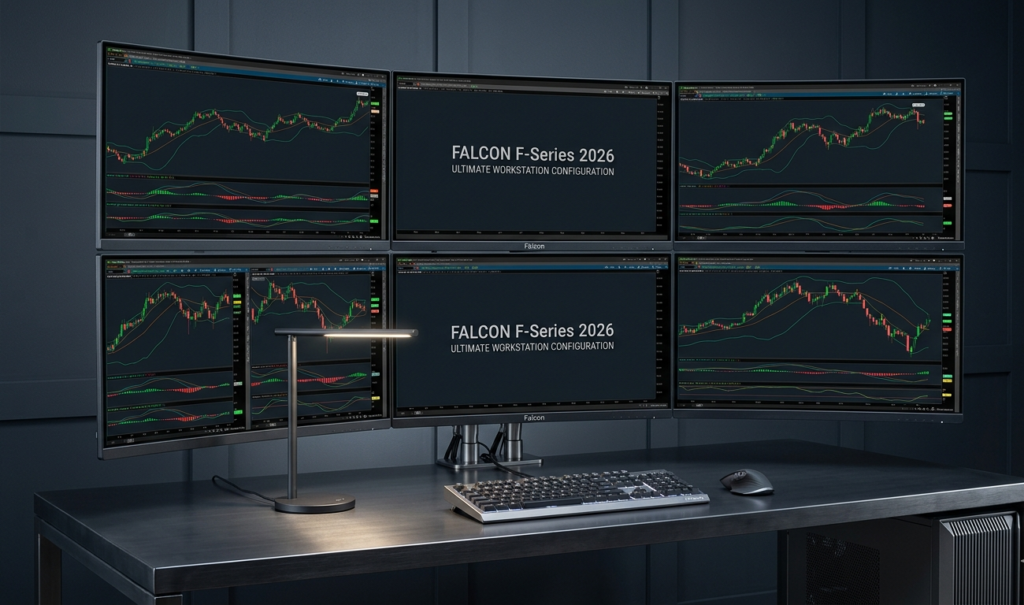
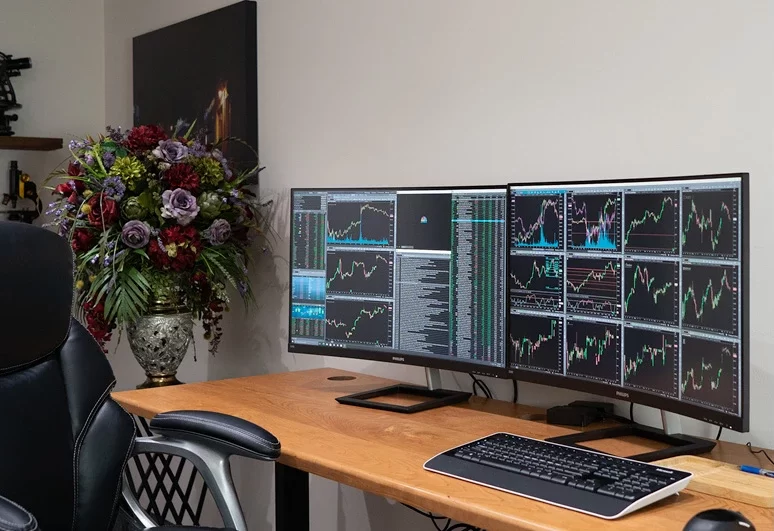
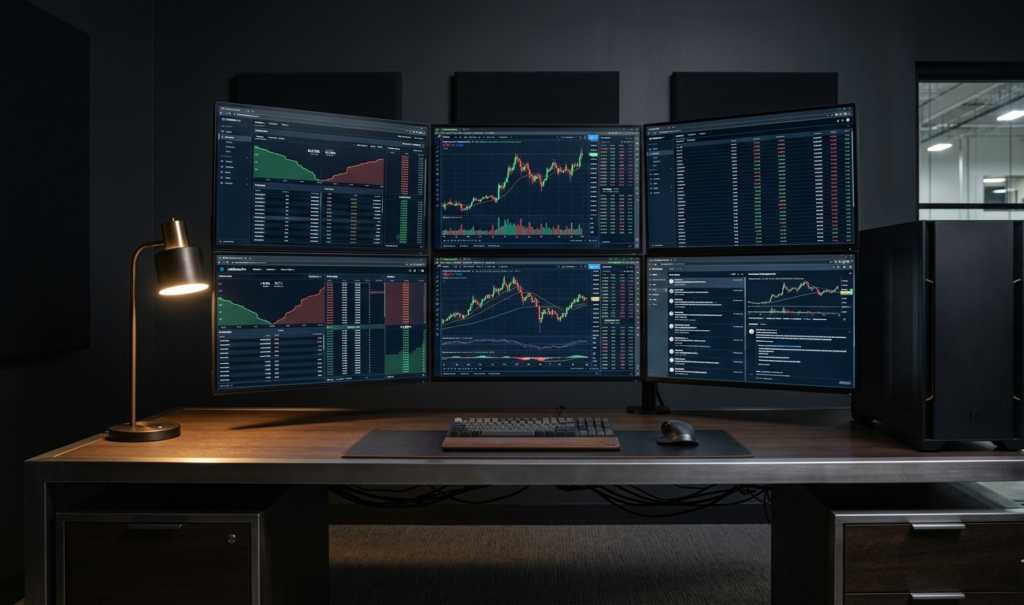


How to Use These Guides
Start with the workload analysis in Do You Need an Expensive Trading Computer? to determine where your budget should be allocated. Then reference the component-specific guides for CPU, GPU, RAM, and storage based on the platforms and strategies you run. Use the Trading Platforms Compatibility Guide to verify platform-specific requirements before making configuration decisions.
Each guide includes Falcon configuration recommendations referencing the P-32, F-37GT, F-52GT, and F-1 BLUE ICE models where appropriate.
Configure Your Trading Workstation
Twenty years of trading computer engineering inform every Falcon configuration. Our specialists evaluate platform requirements, strategy demands, and budget parameters to deliver a workstation matched to your actual workload, not a generic specification.
Configure Your Falcon Workstation
Falcon Preferred Configs are Prepared to Ship
Or call our specialists: 1-800-557-7142 — US Based Lifetime support.
Falcon Trading Systems — Built in Laramie, Wyoming. Backed by a 5-year warranty and lifetime phone support.