Platform-Specific Tuning
Trading Computer Customization & Optimization
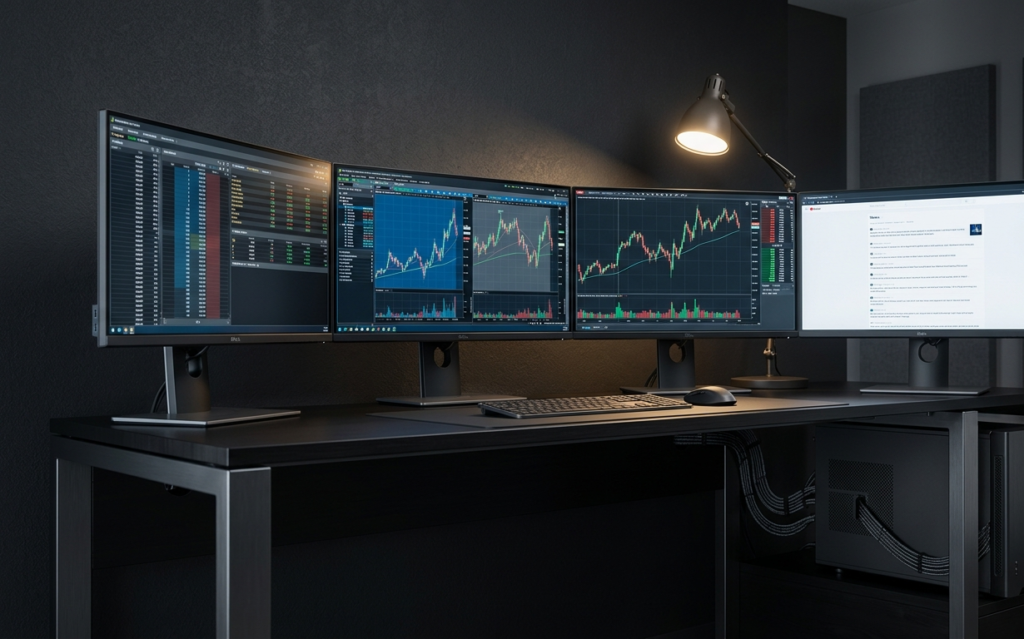
A workstation with premium components delivers suboptimal results if the software stack is not aligned to the hardware architecture. Java heap allocation for ThinkOrSwim, NIC driver configuration for TradeStation, Windows power plan settings for NinjaTrader — these variables determine whether your hardware performs to specification or leaves performance on the table.
These guides address the configuration layer between hardware and execution. Each guide isolates a specific optimization domain, platform tuning, network configuration, operating system settings, and provides the actionable parameters that affect real-time trading performance.
Optimization Matters for Trading Performance
Raw component specifications establish performance potential. Configuration determines realized performance. The gap between potential and realized performance is where most trading friction originates:
|
Optimization Domain |
Impact on Trading Performance |
|---|---|
|
Platform-specific software tuning |
Reduces chart rendering lag, order entry latency, and platform crashes |
|
Network stack configuration |
Minimizes round-trip latency between workstation and broker/exchange |
|
Operating system power management |
Prevents CPU throttling during high-volatility market conditions |
|
Virtual desktop architecture |
Enables efficient multi-monitor workflow without GPU overcommitment |
|
Hardware-software alignment |
Ensures CPU core allocation, RAM partitioning, and storage I/O match workload demands |
The following guides provide the configuration parameters for each domain.
Optimization Guides
Optimization Sequence
The highest-impact optimizations follow a predictable priority order:
- Platform tuning:C onfigure JVM heap, graphics settings, and data feed parameters for your primary platform
- Network configuration: Verify connection type, configure QoS, eliminate wireless where possible
- Operating system settings: Power plan, process priority, background application management
- Hardware alignment: Verify component selection matches platform demands (covered in the Buyer's Guides section)
For traders running multiple platforms concurrently, the Best Hardware for Your Trading Platform guide provides the cross-platform analysis required to balance resource allocation.
Configure Your Optimized Workstation
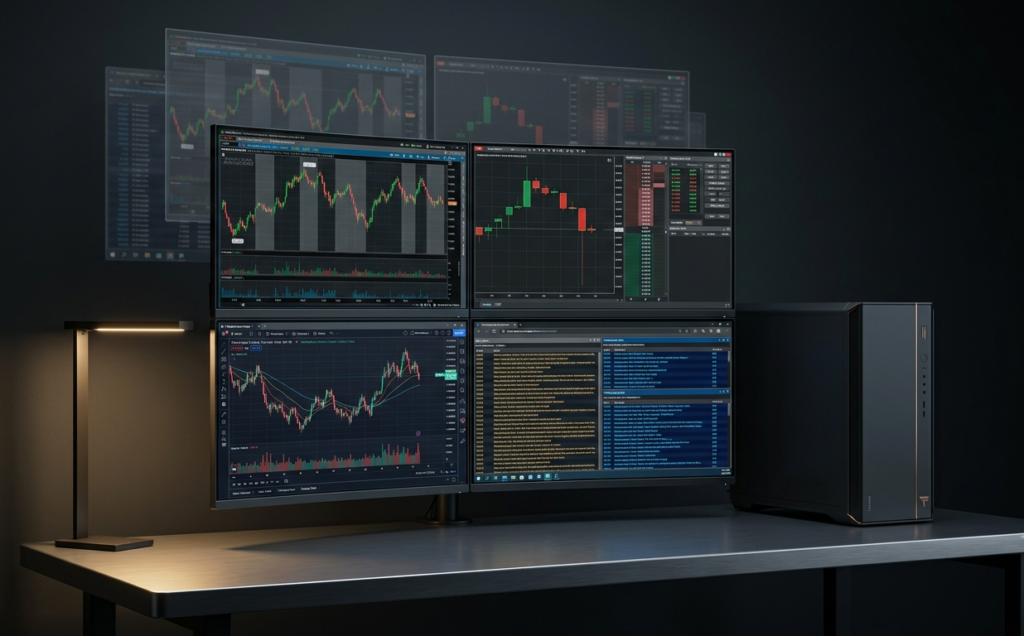
Falcon configures every workstation with platform-specific optimizations pre-applied. Each system ships with operating system settings, driver configurations, and application-level tuning parameters matched to the platforms you specify during configuration.
Configure Your Falcon Workstation
Falcon Preferred Configs are Prepared to Ship
Or call our specialists: 1-800-557-7142 — We speak ThinkOrSwim, NinjaTrader, TradeStation, and every platform in between.
Falcon Trading Systems — Built by traders, supported by traders. 5-year warranty. Lifetime phone support.